
Kanban To Do
Work moves left to right through columns you decide on. What is on the board is what you are actually doing, and how far along it is.
Plan
Boards for what you are doing, calendars for when, notebooks for what happened. Each is its own kind of thing, and each keeps its own people.
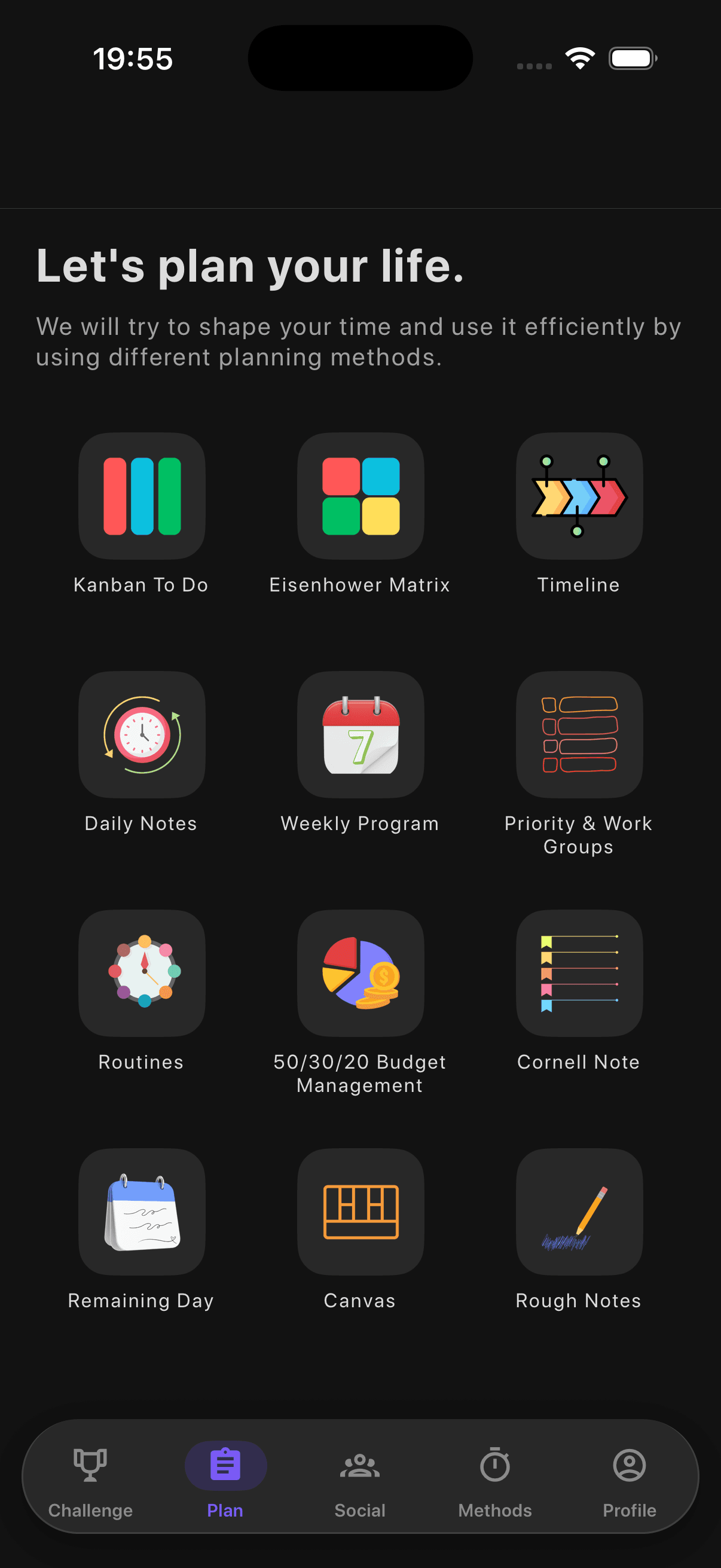
Boards
Work moves left to right through columns you decide on. What is on the board is what you are actually doing, and how far along it is.
Two questions about every task, is it urgent and is it important, and four boxes for the answers. Each box comes with what to do about it.
Split what you do into tracks, put each task under High, Medium or Low, then work across the whole board one level at a time.
Calendars
One day, hour by hour. Everything you have arranged is drawn where it falls and as long as it lasts.
The week as a list. One day at a time, in the order things happen, with how long each of them takes.
The days between now and the things you are waiting for. One line per date, and a warning far enough ahead to be any use.
Notebooks
One page a day, kept under its date. The rest of the app is about what is coming; this is the part that remembers what happened.
A wide column for the notes, a narrow one for cues, a strip for the summary. Written so they can be tested later.
The back of the envelope. Everywhere else you decide something before you write; here there is nothing to decide.
Osterwalder's one page for a whole business: nine blocks that say how it creates value, delivers it, and gets paid.
Habits and money
One line for each thing you mean to do every day, and seven circles a week to tick. Nothing to schedule, only whether you did it.
What comes in, divided three ways, and what has gone out of each. A month at a time, with the bills that come round again keeping themselves on the list.
A Kanban board, an Eisenhower matrix or a Priority board can hold a team: everyone on it sees the work and gets the reminders. An event on the Timeline or the Weekly Program carries its guests, and an invitation is answered in one tap.
A reminder belongs to the thing, not to the phone that set it. It arrives whether the app is open, in the background or closed altogether, and everyone who accepted gets it.
Free for 7 days, then a monthly or a yearly plan. Cancel any time.